


How CiteWorth works: Find → Fix → Prove
Add your site. Run a scan. Fix the gaps. Re-scan and compare before and after.
AI citation monitoring meets evidence snapshots. Capture fetch vs render views, generate fix packs, and prove AI visibility improved.
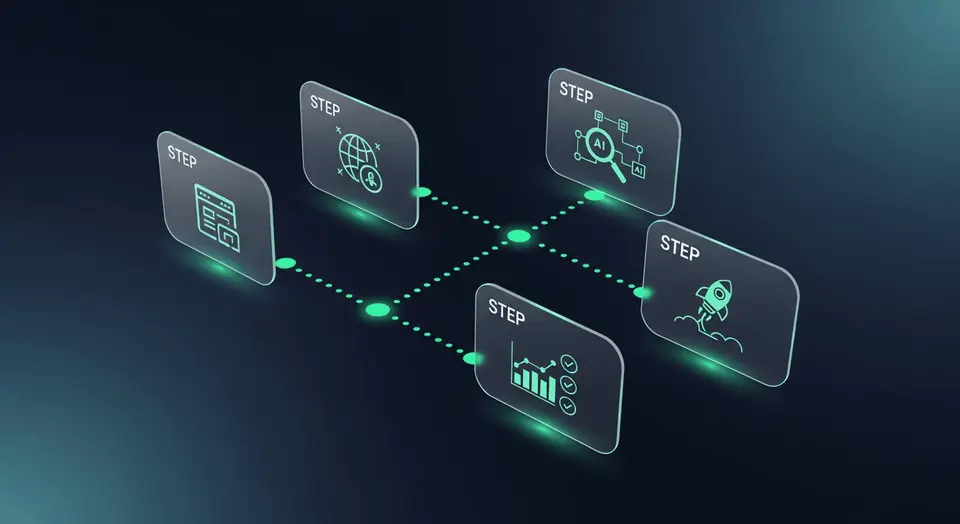
Add your site
Enter your domain. Verification is optional. This anchors all your scans and reports.
Choose queries and engines
Add the questions customers ask. Pick which AI engines to check. Run a scan to capture your baseline.
Review citations and gaps
See where you are cited and where competitors appear instead. Generate a Fix Pack you can hand off to your team.
Fix and re-scan to prove impact
Catch SEO blockers with Meta Snapshot. Validate changes before launch with Evidence Preview. Submit updates via IndexNow. Then re-scan to compare results.
What “proof” means in CiteWorth
Proof is a timestamped, before-and-after comparison showing exactly what AI engines returned before and after you made a change. It is not a score or a rating — it is a record of what happened, captured automatically so you can share it with anyone who needs to see the evidence.
Core Modules
Tools that help you find gaps and prove what changed. Availability varies by plan.
Citations
See where you are cited for each query and engine.
Opportunities (Fix Packs)
Gaps plus step-by-step actions you can hand off.
Share of Voice
Benchmark visibility vs competitors by query and engine.
Meta Snapshot
Crawl pages for SEO blockers that stop engines reading your site.
Evidence Preview
Validate what will be visible before changes go live.
Claim Cards + IndexNow
Create structured claims and submit updates via IndexNow.
Also includes: Alerts, Reports, and multi-site management. Evidence capture varies by plan.
Quick answers
How long does a scan take?
Most scans complete in under two minutes. Larger query sets may take longer depending on the number of engines selected.
Do I need to verify my domain?
No. Verification is optional. You can start scanning immediately after entering your domain.
Can I scan competitors too?
Yes. Add competitor domains to compare share of voice by query and engine. Pro supports up to five competitors; Agency has no limit.
What happens after a scan?
You get a citation report, a list of gaps, and a Fix Pack with prioritised actions. Re-scan after deploying fixes to create before-and-after evidence.
See what AI engines show today
Add your site. Run a scan. Get your first baseline in minutes.
TL;DR — Add your site. Choose queries and engines. Run a scan to capture your baseline. Fix the gaps. Re-scan and compare before and after. Core differentiator: prove what changed.